
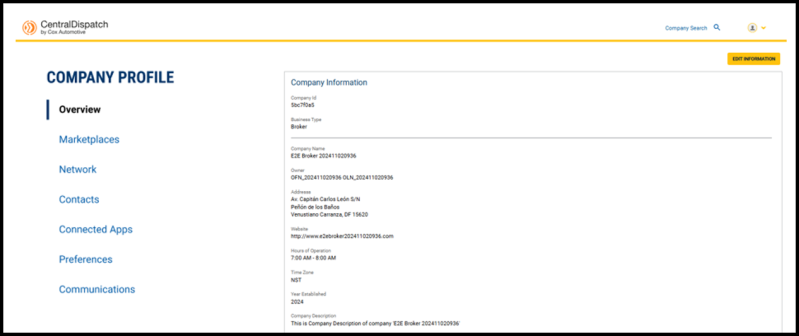
Click on Account name and select Company Profile
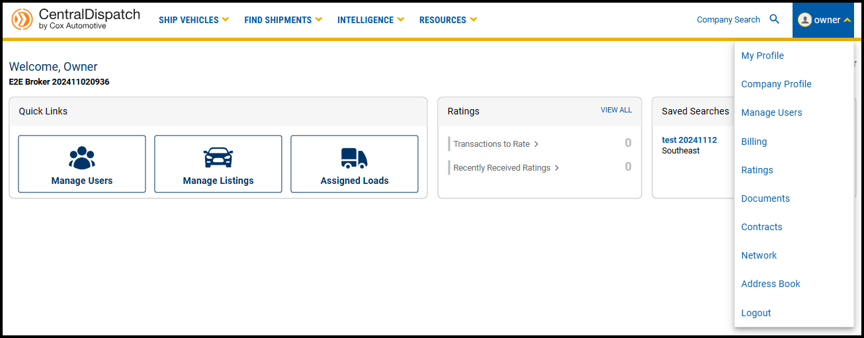
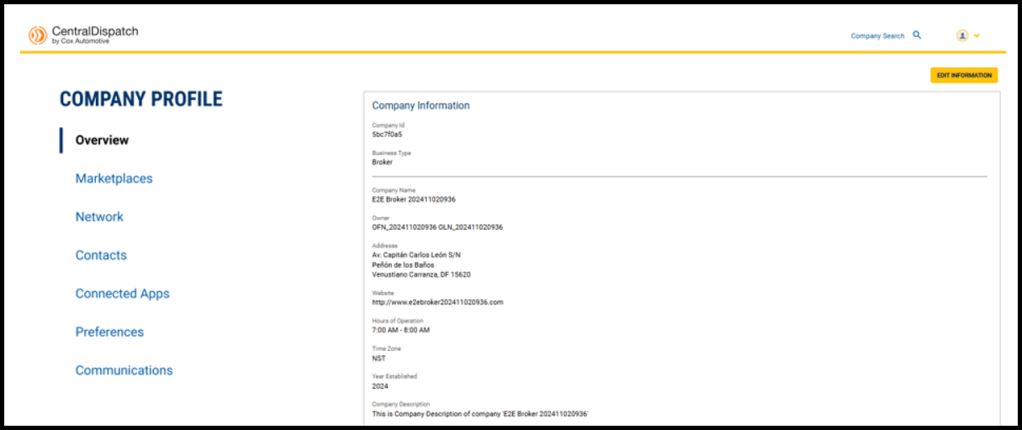
Company Profile contains overview information as well as tabs for:
- Marketplaces: will display public and private marketplaces for account
- Network: manage preferred company network and blocked companies
- Contacts: add and manage contact for your account
- Connected Apps: manage connected apps if applicable
- Preferences: choose how businesses search your company
- Communications: manage communication preferences selected for carrier notifications, may also include other notifications depending on marketplace
Users with roles of Owner and Admin can edit certain information after a multi-factor authentication
Overview
The Overview page includes:
- Company Information
- Contact Information for company
- Liability insurance information if applicable to account type
- Authority information if applicable to account type
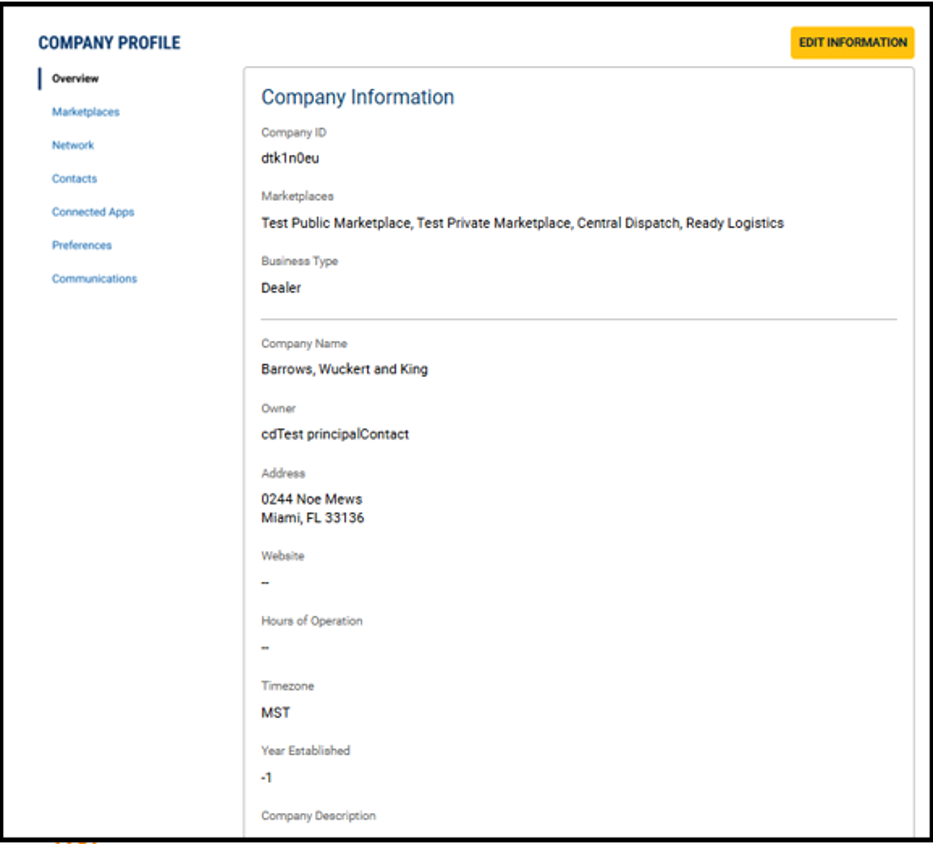
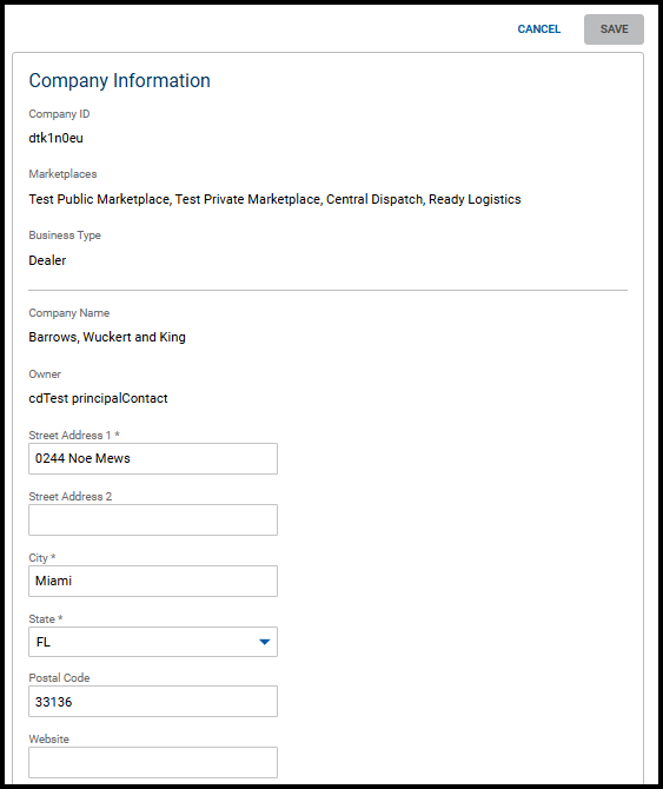
Edit Information
For account security, users with the Owner and Admin role will need to complete multi-factor authentication after clicking the Edit Information button.
Fields that can be updated will open
Some information such as company name, insurance, and authority can be updated by Central Dispatch team only
Marketplaces
Marketplaces page is read-only and display the public and private marketplaces your account is associated with

Network
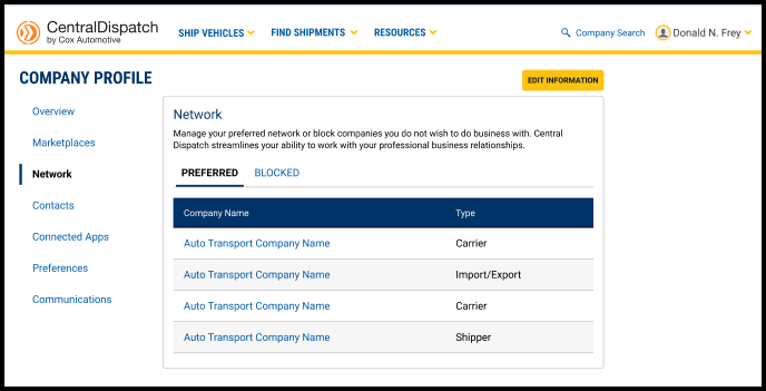
The Network page allows you to manage your preferred network of companies or block companies you do not want to do business with
Requires a multi-factor authentication by Owner or Admin role to Edit Information
Preferences
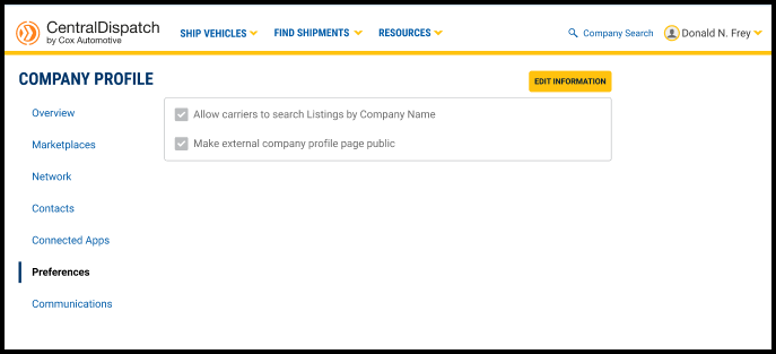
Preferences gives you the control of how other businesses can find your company
Requires a multi-factor authentication by Owner or Admin role to Edit Information
Contacts
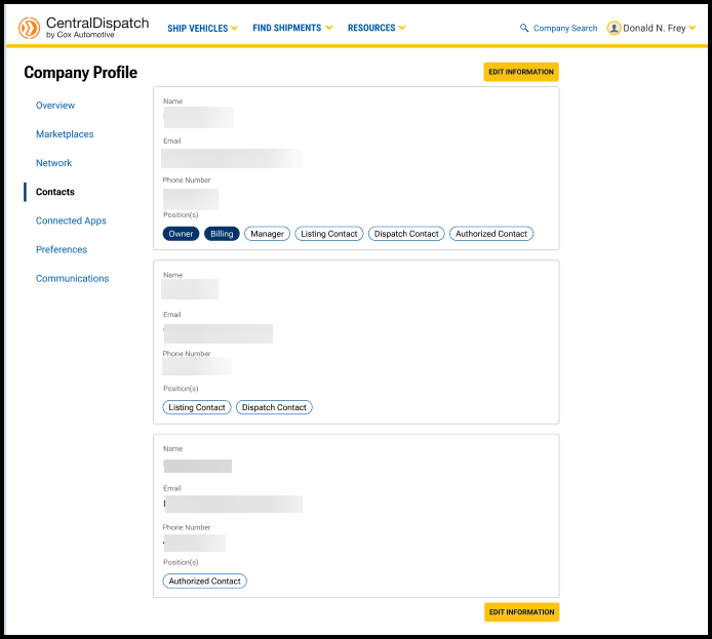
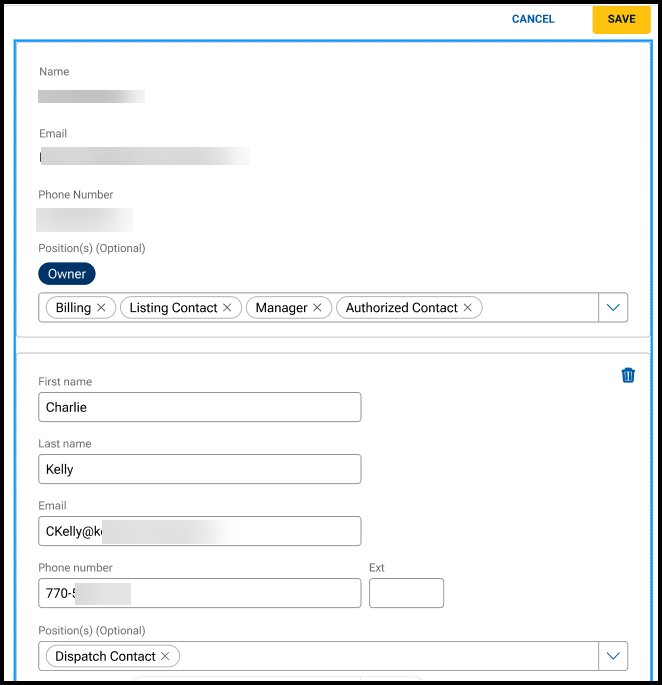
Contacts page includes information for positions for your business. Positions include:
- Owner
- Billing
- Manager
- Listings Contact
- Dispatch Contact
- Authorized Contact
The Owner, Billing, and Listing contacts are populated from information entered during the application process. The Dispatch role does NOT auto-assign by default, so you’ll need to manually add the correct contact for this role
The Owner contact cannot be changed through self-service
The Billing contact can be updated from the Billing page
Contacts can have multiple positions
A Listing and a Dispatch contact is required for shipper accounts and the system will not allow more than one Listing or Dispatch contact
A group email can be added for a contact such as Dispatch Contact
Requires a multi-factor authentication by Owner or Admin role to Edit Information
Important Information about Contacts and Manage Users:
- Contacts do not contain information used for the multi-factor authentication process; this information is only available to the user in their My Profile
- Contacts does not replace Manager Users; users must be added to Manage Users to manage their access to the Central Dispatch account and set up their My Profile
Connected Apps
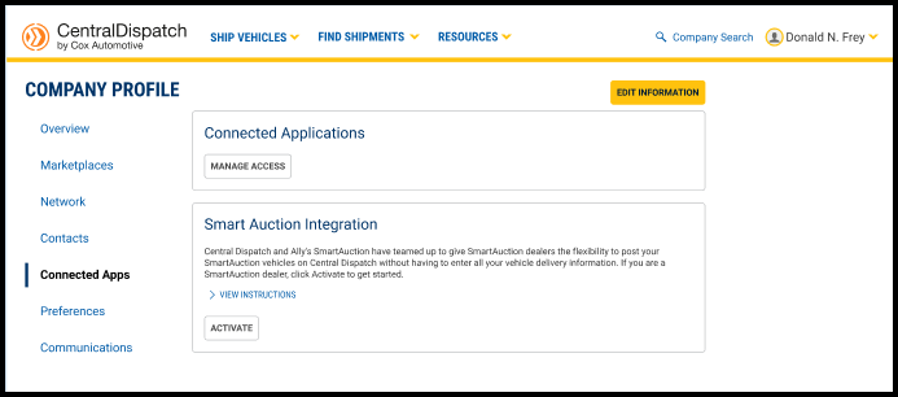
Connected Apps allows you to manage access to any connected apps, if applicable
- Requires multi-factor authentication to Edit Information
Communications
Communications manage communication preferences selected for carrier notifications
- May also include other notifications depending on marketplace
- Requires multi-factor authentication to Edit Information
