
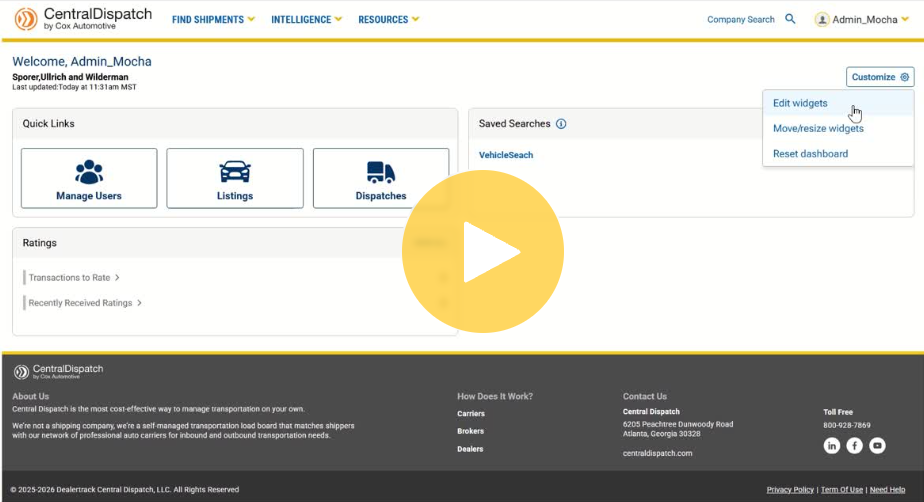
Customize your Central Dispatch Dashboard to show widgets that are most relevant to your business. Showcase what’s most important to you, while hiding anything you don’t need to see in order to save time and streamline your view.
To get started, click the Customize button on your dashboard.
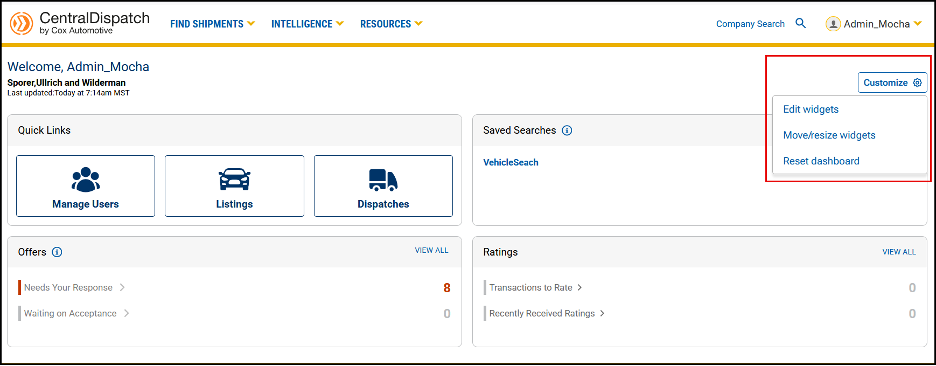
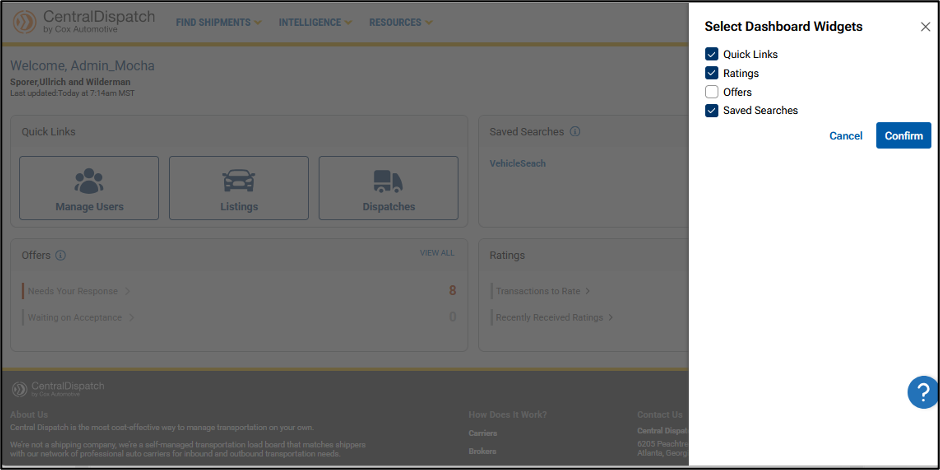
Edit widgets opens a slide out form, allowing users to select which widgets they want to appear on their dashboard. After selecting widgets, click Confirm.
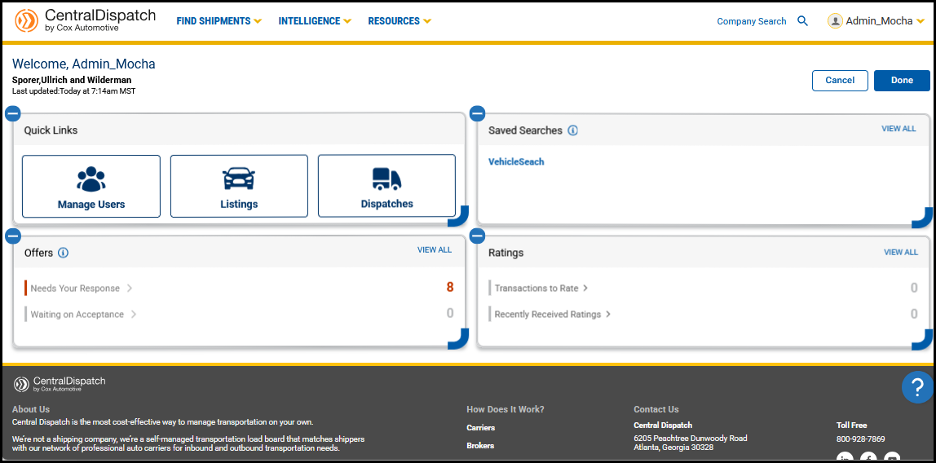
Move/resize widgets allow you to drag and drop the widgets to any position on the dashboard.
- Widgets will automatically resize based on their position on the page
- Click Done to lock the widgets in place
Reset dashboard returns the widgets to their original position.