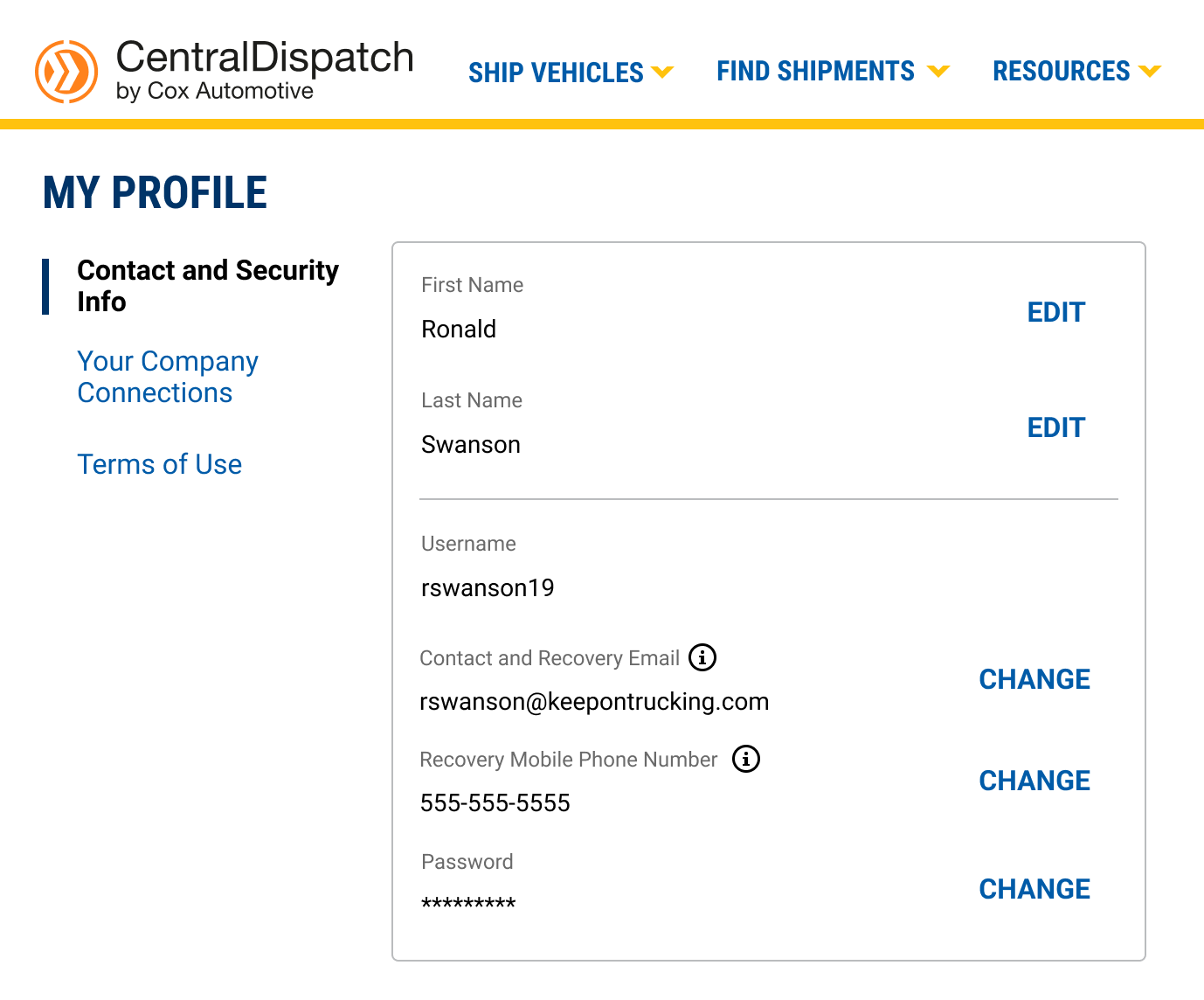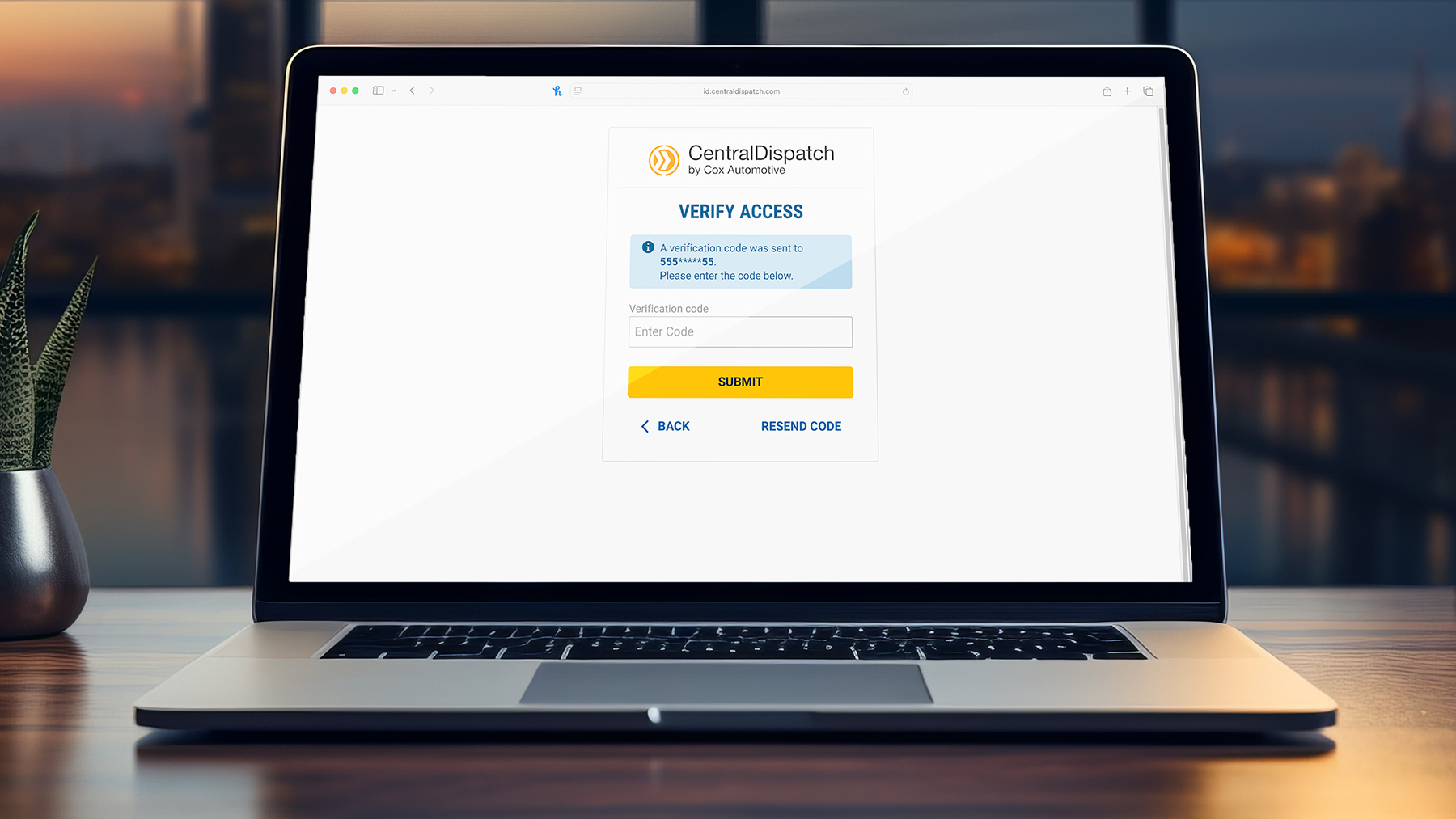
Multi-Factor Authentication will assist in protecting unauthorized users from gaining access to a Marketplace account.
A multi-step authentication process for account login requires a user to enter more information than just a password. Users will also enter a verification code sent to the mobile phone number linked to their Central Dispatch account.
How will it work on CD?
- Users will be prompted to set up a multi-step authentication upon logging in by choosing to get a code sent via SMS
- Each user on an account will need their own set of credentials because the user will need to have access to the mobile phone number in their My Profile to receive a code to verify the account
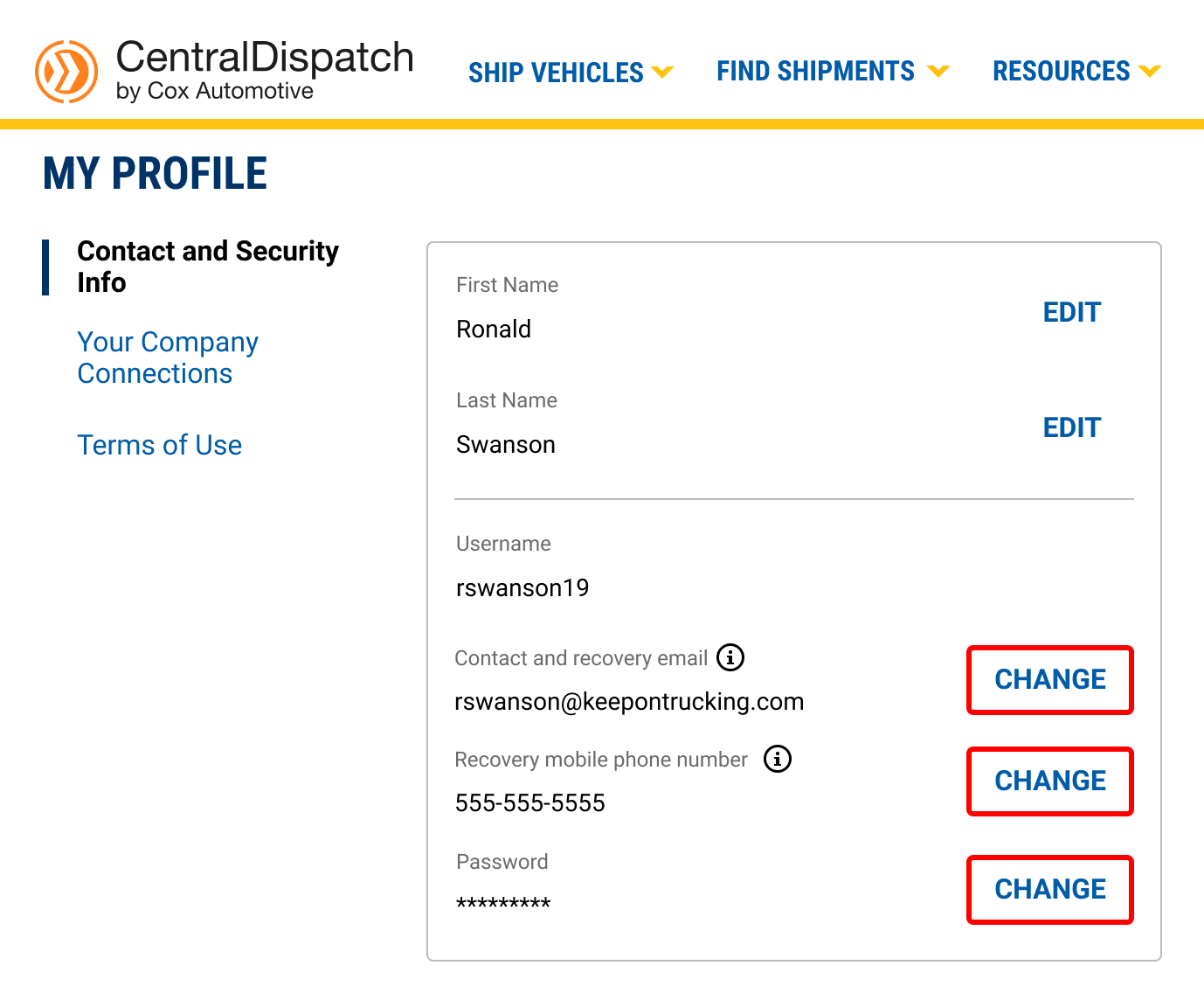
UPDATE email or mobile phone number using ‘My Profile’ under username in upper right corner
1. Click “change” next to the item update
2. Receive confirmation code
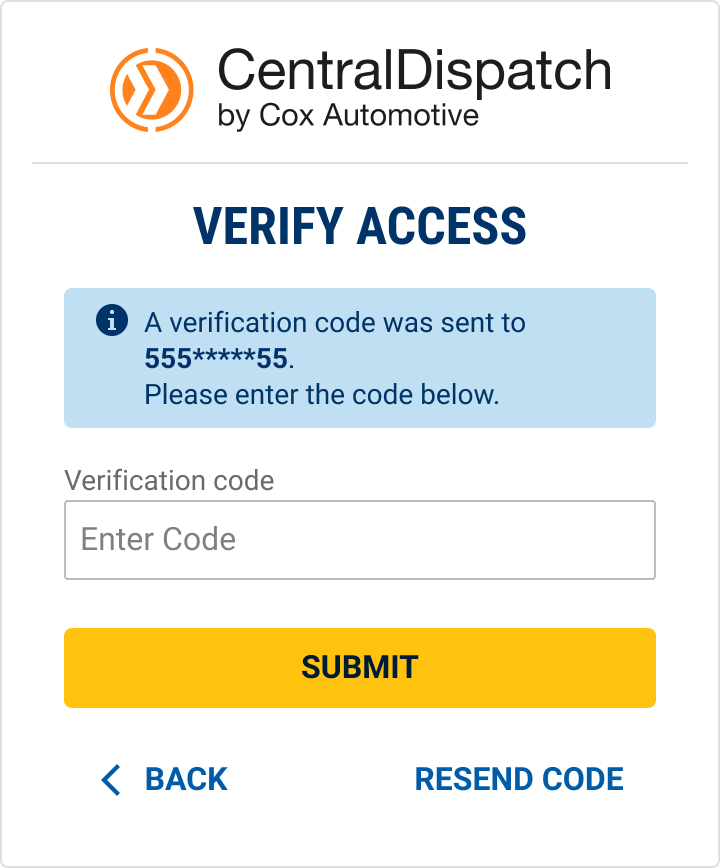
3. Enter confirmation code and submit
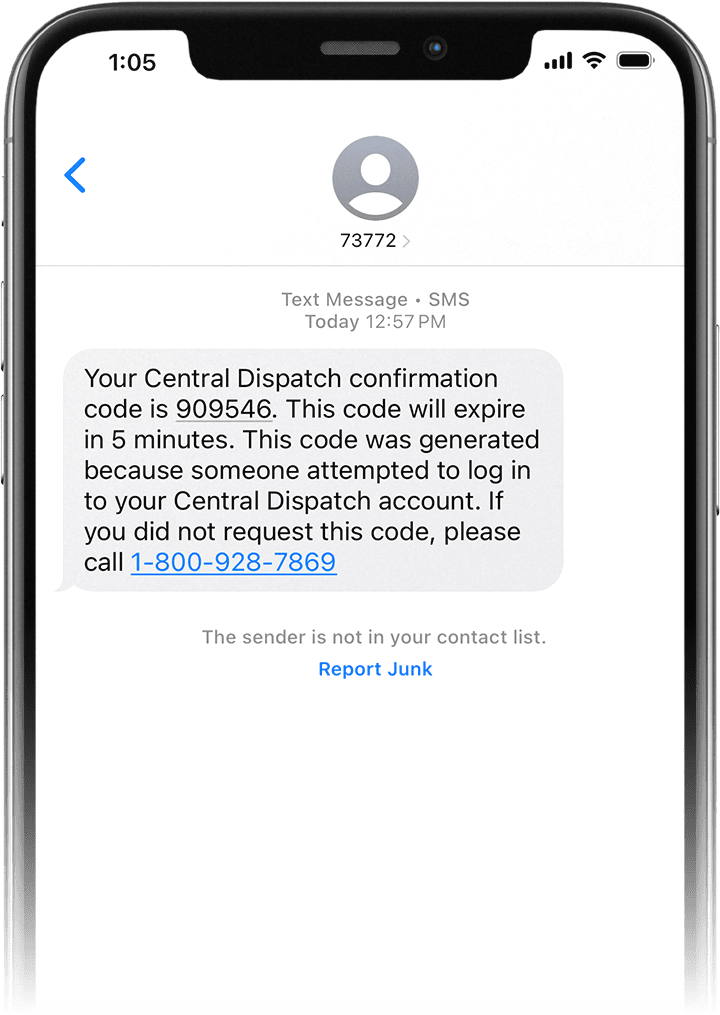
4. Enter new email or mobile phone number
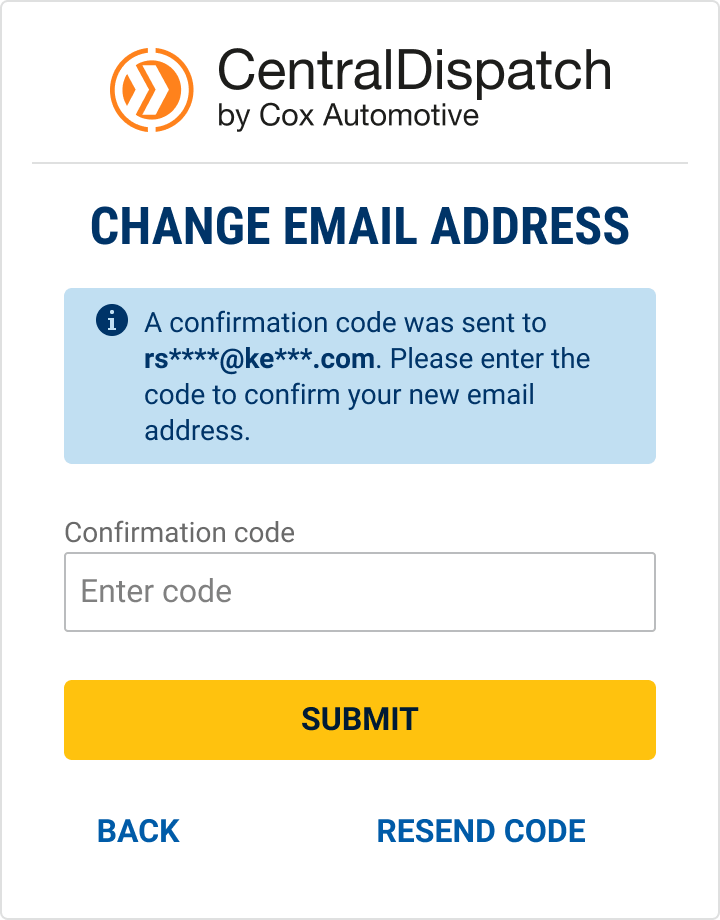
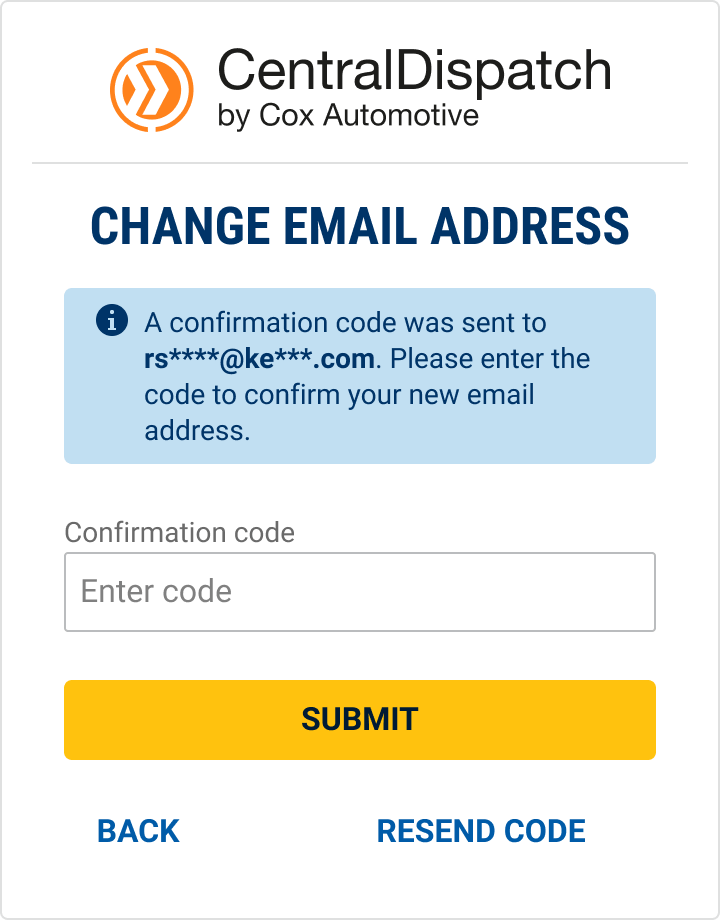
5. Enter confirmation code and submit
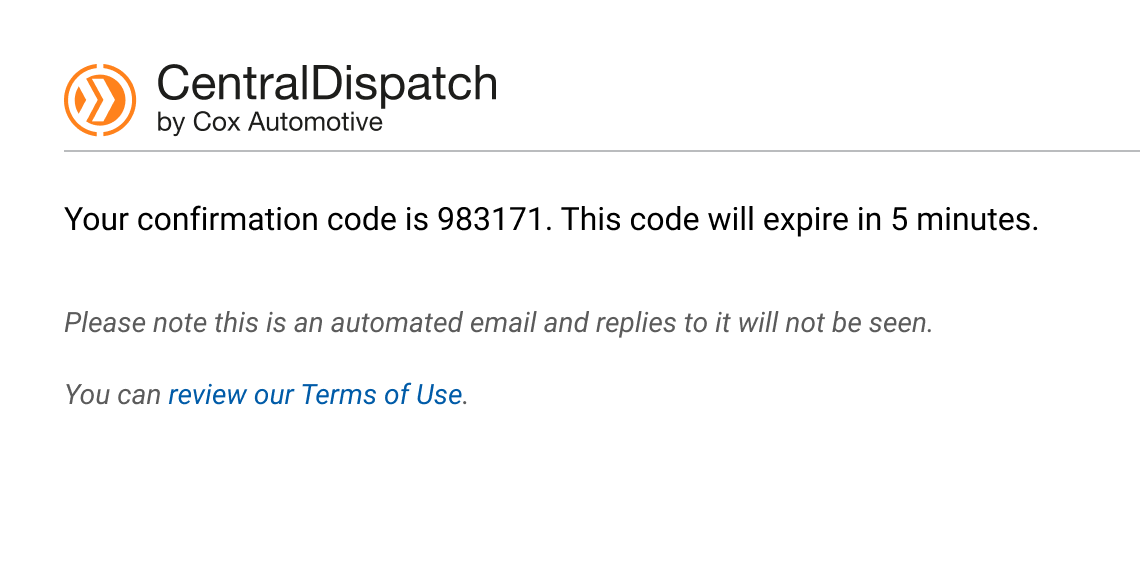
6. Email (or mobile phone number) will be updated